















Pro Puzzle



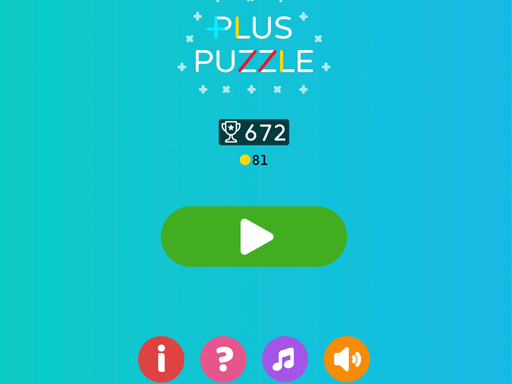
Get ready to challenge your spatial reasoning skills with 1 Player puzzle games in the browser-based arcade, Pro Puzzle. The game loads as a browser-based platform where you stack shapes, and the goal is to clear rows or columns before space runs out. With its simple yet engaging gameplay, 1 Player puzzle games like Pro Puzzle are perfect for a quick gaming session.
How To Play Pro Puzzle
Drag and drop shapes to fill rows or columns, and then clean them to clear the board. This is the core mechanic of Pro Puzzle, where you need to think strategically to avoid running out of space.
Controls and Features
Controls use mouse click and drag to move blocks. The main feature of the game is placing shapes to clear lines, which is the primary objective of the game. With simple controls, you can easily navigate the game and enjoy the challenge.
Tips
Try to place blocks slowly and focus on filling complete rows or columns quickly before space runs out. This is the key to success in Pro Puzzle.
FAQ
What are the controls for Pro Puzzle?
Mouse click and drag to move blocks.
How do I clear rows or columns in Pro Puzzle?
By placing blocks to fill rows or columns and then cleaning them.
What is the main mechanic of Pro Puzzle?
Placing shapes to clear lines.
What is the objective of Pro Puzzle?
Place blocks to clear rows or columns and avoid running out of space.