














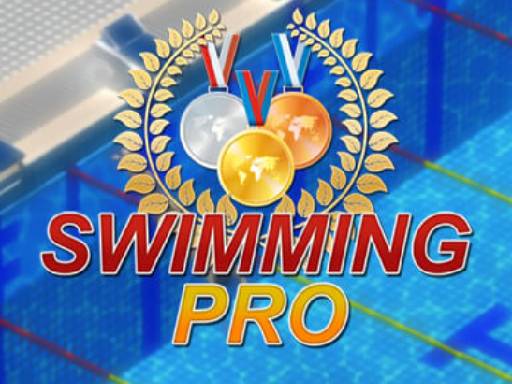


Swimming Pro



Swimming Pro is a fun sports game where you guide a small swimmer through quick races. The goal is to beat your best time and collect medals along the way. You need to stay focused to avoid mistakes and keep your swimmer moving forward. It is simple to pick up but offers a steady challenge for players who enjoy timing and speed.
How To Play Swimming Pro
Use the arrow keys to steer your swimmer through the water. Collect medals to boost your energy and try to beat your record time. The gameplay is straightforward, with a focus on steady movement and careful turns to improve your results.
Controls and Features
The game uses arrow keys for movement. It features a timer that tracks your race time and rewards you for beating records. Energy boosts come from collecting medals. There are no extra modes, hints, or levels to unlock, keeping the experience clean and focused.
Tips
Move slowly and steadily to control your speed and avoid errors. Focus on grabbing every medal you see to keep your energy high. A careful approach helps you finish faster and improve your personal best.
FAQ
What are the controls in Swimming Pro?
You use the arrow keys to move your swimmer. The controls are simple and direct, making it easy to steer and collect medals during each race.
What is the main goal of the game?
The goal is to beat your best time while collecting medals to boost energy. You must avoid drowning and finish each race as fast as you can.
How do medals help in Swimming Pro?
Medals give you energy boosts that help your swimmer keep moving. Collecting them consistently is key to improving your time and staying in the race.
Does the game have different modes or levels?
No, Swimming Pro does not include extra modes, levels, or toggles. It focuses on the core race experience with a timer and medal collection.