 games.org.es

Popular Games
Last Played


Autosimulator
3 plays




























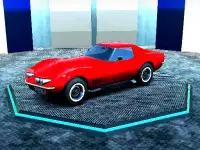












Autosimulator
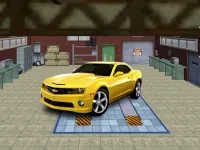
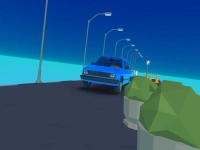
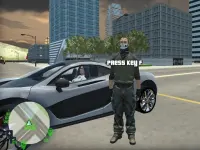
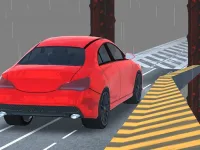
Autosimulator invites you into a sandbox driving world where you can pick from three cars and tackle stunt maps designed for big moves. The focus is on performing jumps, drifts, and flips while enjoying a relaxed, creative style of play. Built for WebGL, this racing game encourages experimentation and skill refinement in a fun, approachable way.
How To Play Autosimulator
Start by choosing a car and a stunt map. Then practice jumps, drifts, flips, and other tricks to improve your technique. The sandbox setup lets you explore freely and try different approaches to each challenge.
Controls and Features
Use the arrow keys or WASD to accelerate, brake, and steer. The spacebar can be used to trigger flips or special tricks. These simple controls make it easy to focus on mastering stunts like drifting and performing aerial moves.
Tips
Slow down before landing jumps to avoid crashing. Use smooth inputs to link acceleration, steering, and braking for cleaner drifts and flips. Practice small sections of the map to build confidence with your car and controls.
FAQ
What are the controls for Autosimulator?
Use arrow keys or WASD to accelerate, brake, and steer. The spacebar may be used to perform flips or tricks during your runs.
What is the main objective of Autosimulator?
The goal is to perform jumps, drifts, flips, and other tricks on stunt maps while improving your driving skills.
Does Autosimulator have a timer or hints?
The game does not state whether a timer or hint system is included, so focus on practicing stunts freely.
What is the main mechanic in Autosimulator?
Driving cars to perform stunts like jumps and drifts is the core mechanic, supported by sandbox map exploration.
About this game
- Supported devices
- Desktop
- Genre
- Racing Games
- Release date
- 24 October 2024
- Latest update
- 24 October 2024
- Rating
- No ratings yet