

Popular Games
Last Played


Bull Shooting
1 plays






























Bull Shooting
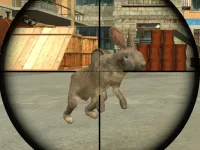
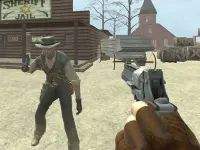
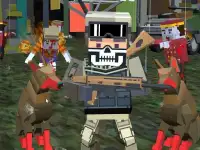
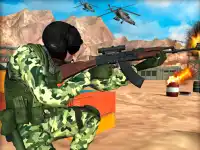
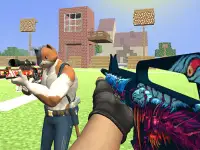
Bull Shooting brings the thrill of Shooting Games with a retro arcade twist. Players face waves of charging bulls in this fast-paced First Person Shooter that combines old-school fun with sleek WebGL graphics. The game tests your aim and reflexes in a browser-friendly format. Dive into chaotic action where every shot counts, and precision matters.
How To Play Bull Shooting
Aim with your mouse, zoom in, and click to fire. The controls are simple, letting you focus on strategy. The game's nostalgic style keeps the action fresh while delivering a classic arcade experience.
Controls and Features
Bull Shooting includes a timer and chaos index to track your performance. These features add depth as difficulty rises. The straightforward design makes it easy to jump into the action, even for beginners.
Tips
Focus on headshots for higher scores. Take your time with each shot to improve accuracy in this intense WebGL game.
FAQ
Does Bull Shooting require any special software?
No, Bull Shooting runs in your browser with WebGL support. It works on most devices without extra downloads.
What is the main goal in this First Person Shooter?
The goal is to survive waves of bulls while aiming for high scores using precise shots. The chaos index tracks your performance.
Can you adjust difficulty in Bull Shooting?
The game automatically increases difficulty as you progress. The timer and chaos index features add strategic challenges.
Is Bull Shooting suitable for multiplayer?
No, Bull Shooting is a single-player game. You compete against AI-controlled enemies for the best scores.
```About this game
- Supported devices
- Desktop
- Genre
- Shooting Games
- Release date
- 24 October 2024
- Latest update
- 24 October 2024
- Rating
- No ratings yet